
Organisation & locality
Two tabs everyone (admin or engineer) can see and edit: General and Locality.
Two tabs everyone (admin or engineer) can see and edit: General and Locality. Both write to the account record - they're account-wide, not per-user.
General
Settings → General. Two fields.
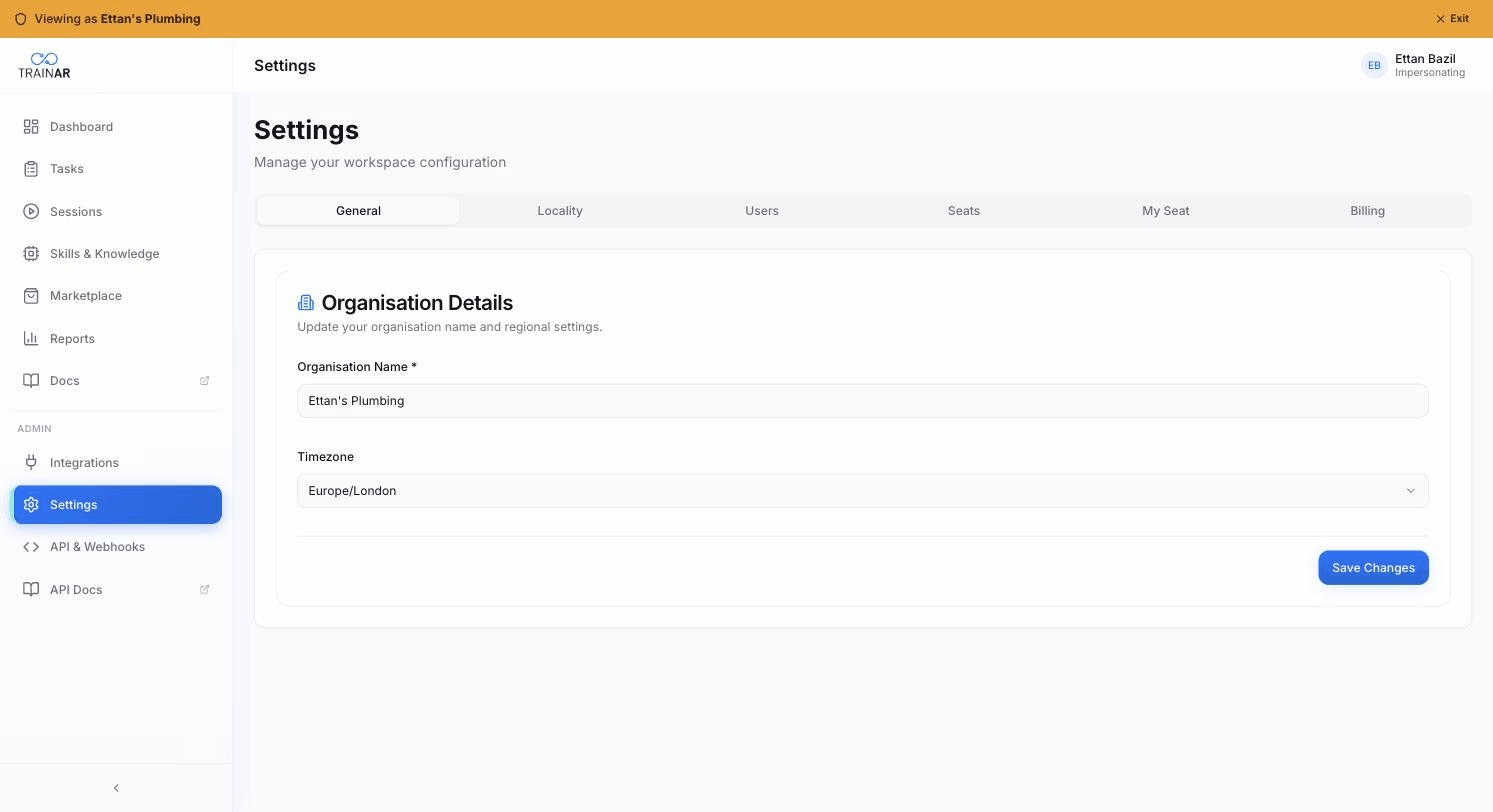
Organisation name
Free text. Appears in the Dashboard header and in invitation emails.
Timezone
Grouped picker (UTC + regional groups e.g. Europe, America, Asia). Used for date/time formatting throughout the Dashboard and in reports.
Locality
Settings → Locality. Two fields plus a display-preferences info card.
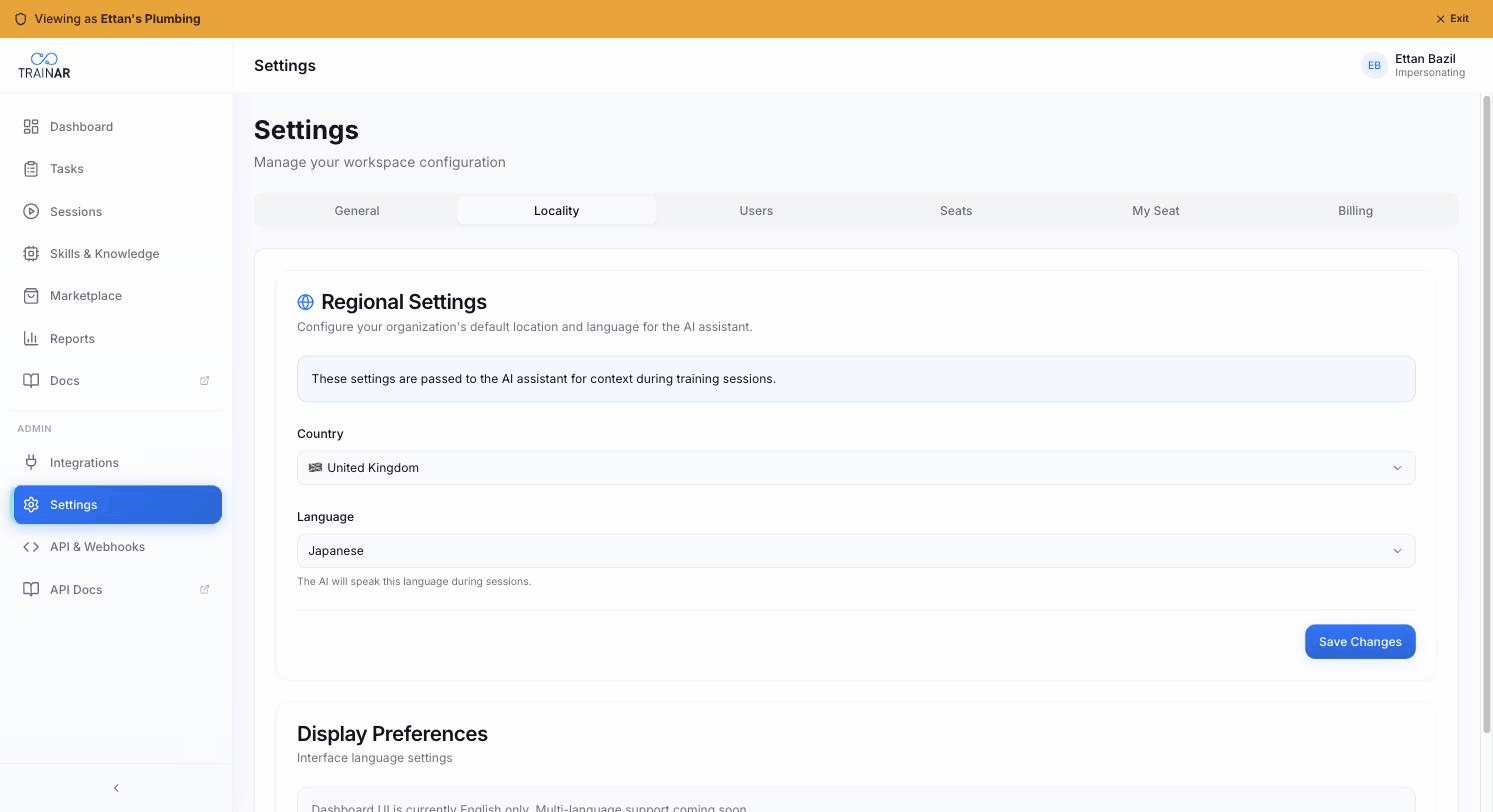
Country
Pick from a list of 20 countries (US, GB, CA, AU, DE, FR, ES, IT, JP, CN, IN, BR, MX, ZA, SG, NL, CH, SE, NZ, KR - sorted alphabetically by name). Each option includes the flag emoji.
Language
Pick from 10 languages (English, Spanish, French, German, Portuguese, Chinese Simplified, Japanese, Italian, Russian, Korean).
Country + language are passed to the AI assistant as session context. The AI speaks the language you pick here; "Country" gives it locality for things like manufacturer-availability, regulations, voltage standards, etc. Pick the values that match the bulk of your jobs.
Display preferences
The Dashboard UI itself is English only today - the language picker doesn't translate the Dashboard. A note on the page makes this explicit. Multi-language Dashboard support is on the roadmap.
Where to next
- Settings overview - what each tab does
- Users & seats - team + device pairing
- Billing & subscriptions - plan, seats, minutes