
Running a session
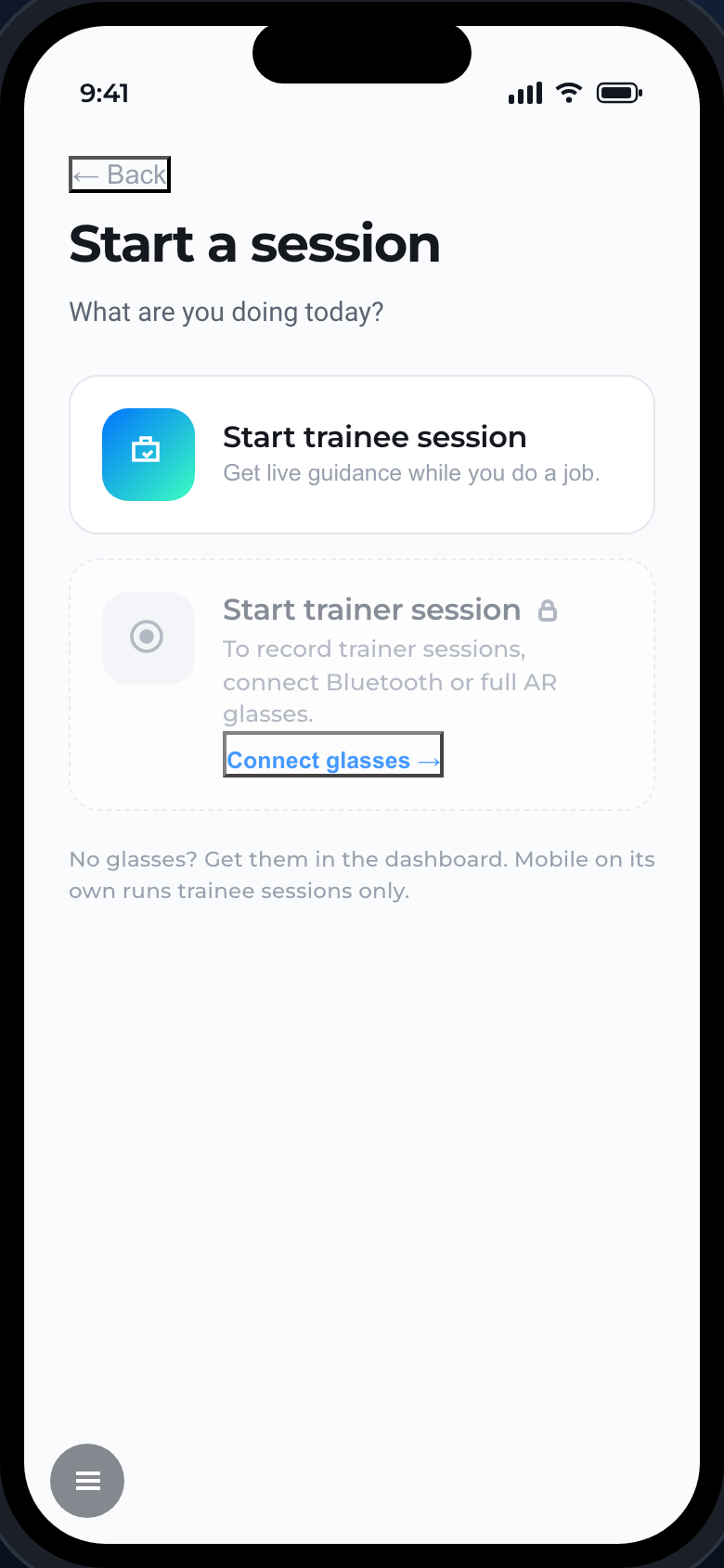
Tap Start a session on Home, then choose what you are doing.
Trainee session
Get live guidance while you do a job. The AI assistant walks you through the procedure step by step, answers questions, and pulls up parts diagrams and manuals. You can run a trainee session on the phone alone, or on AR glasses.
Trainer session
Record an expert doing a procedure so it becomes training material. Trainer sessions need a hands-free POV camera - that means full AR glasses, or Bluetooth glasses connected to the mobile app. On the phone with no glasses, the trainer option is locked.
In the session
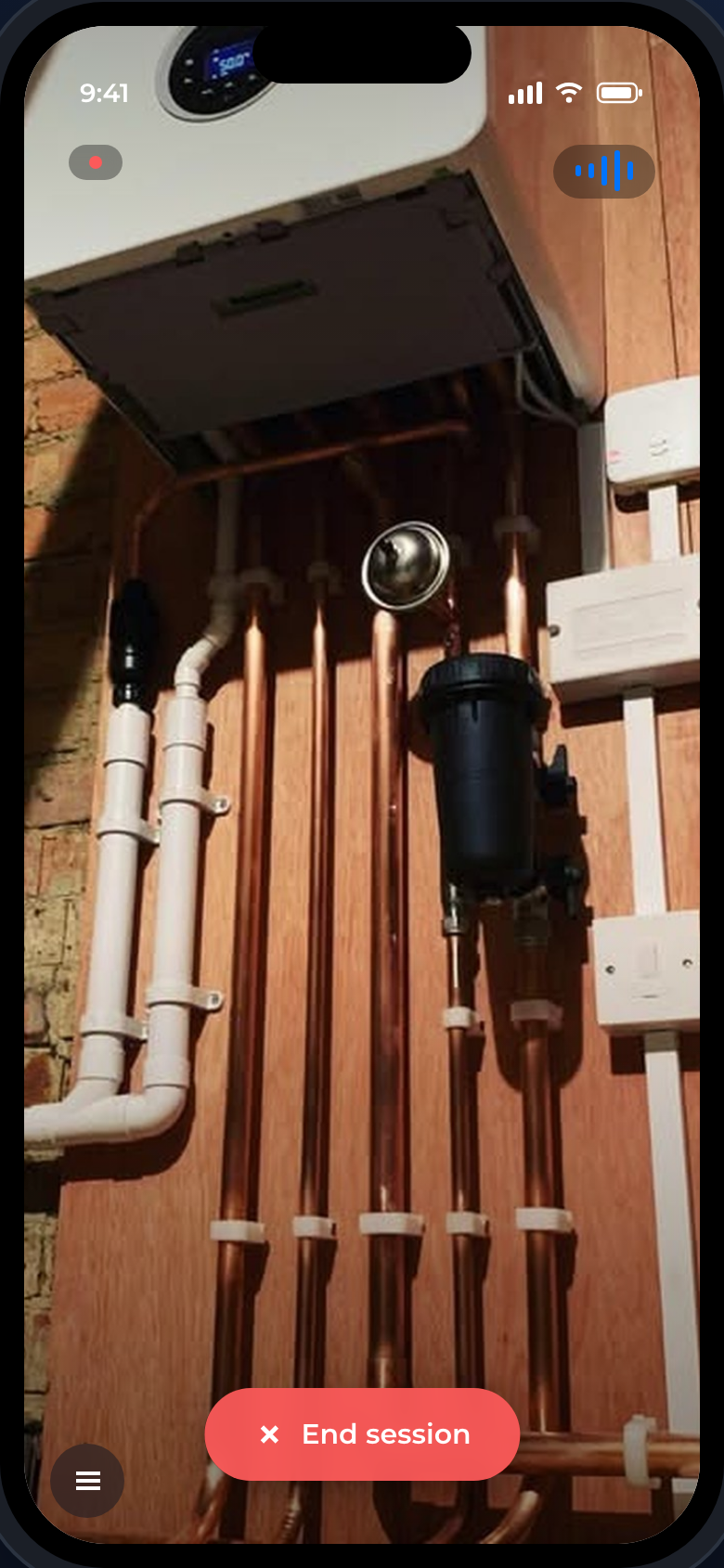
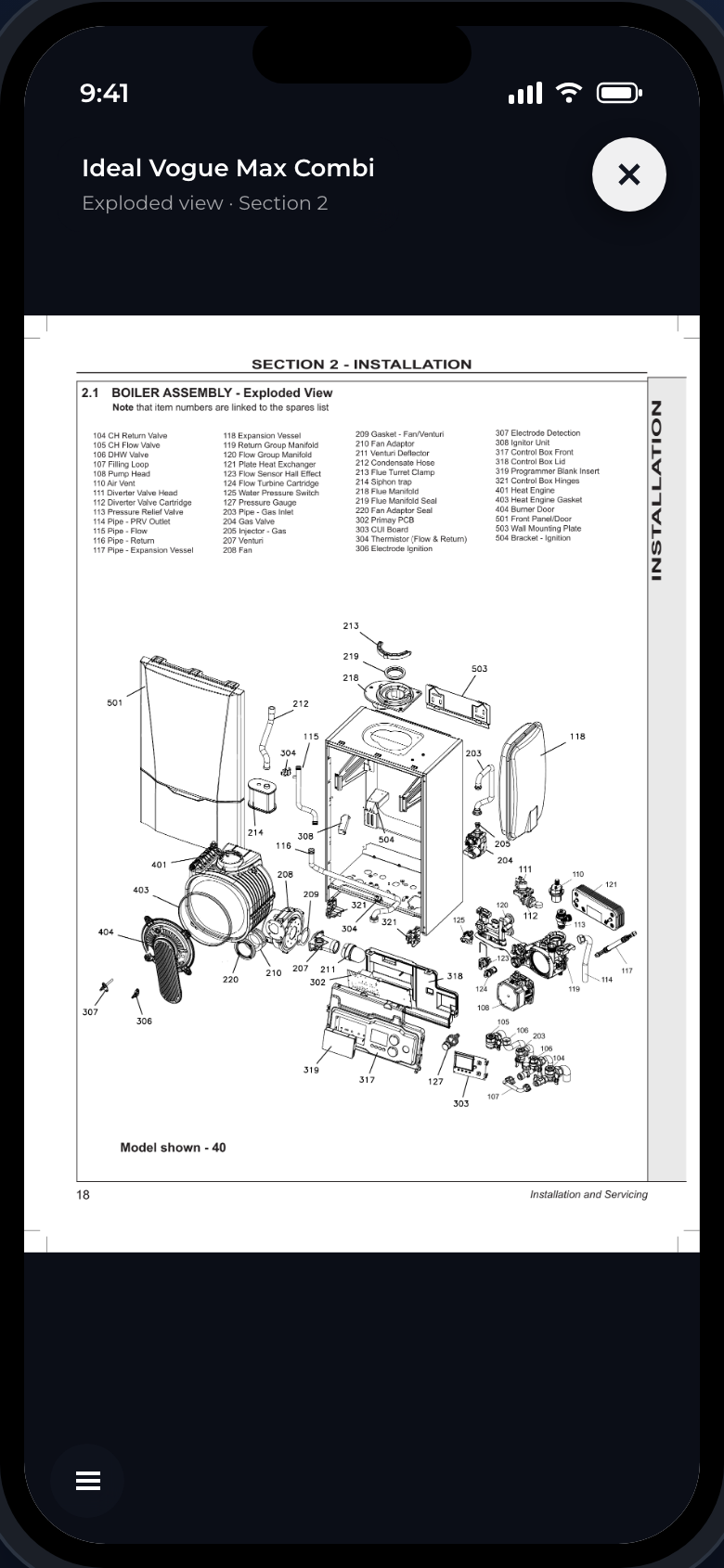
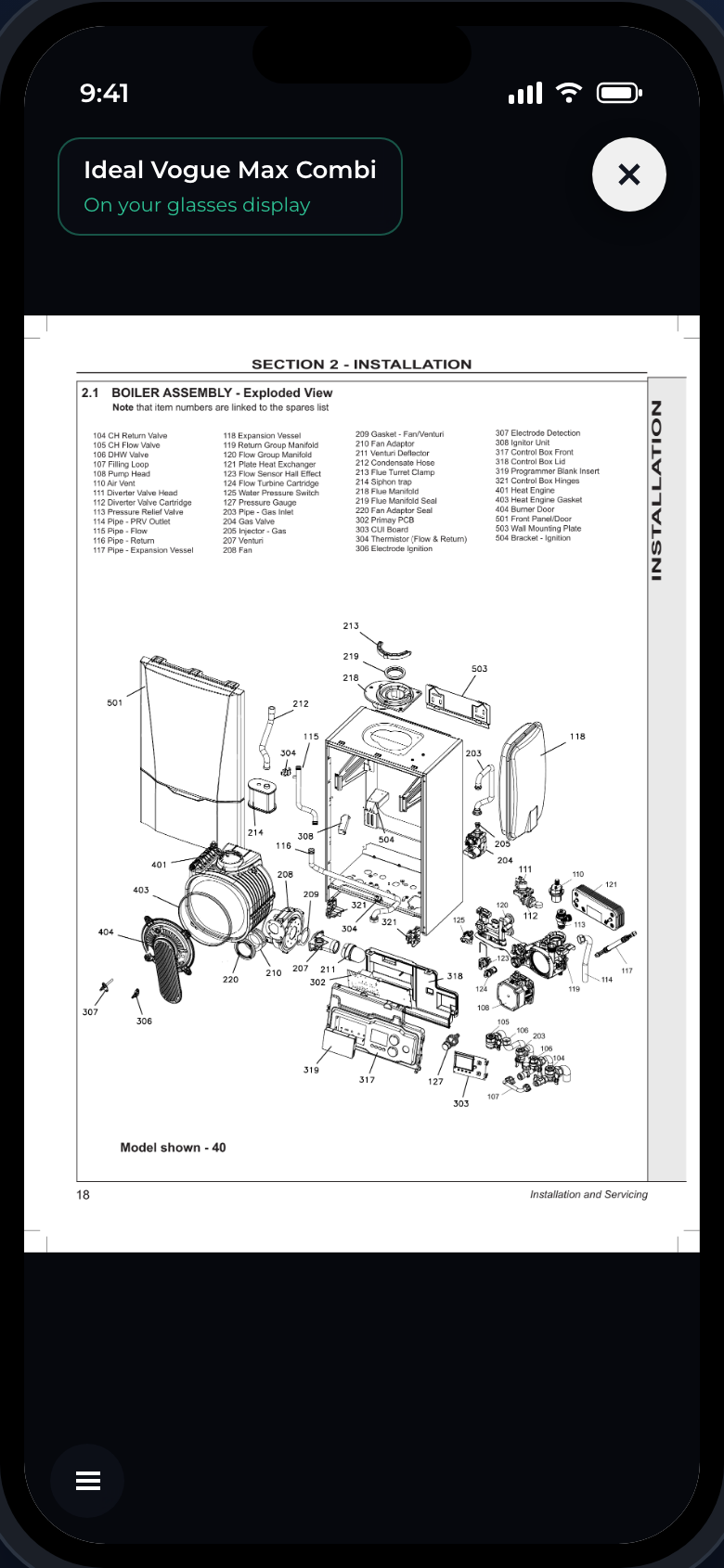
The live view is your camera POV of the work, with the AI assistant watching and listening. Ask it anything, pull up an exploded parts diagram or a manual, and work through the job hands-free.
On full AR glasses
Running natively on AR glasses, the session is the same but the view and overlays are on the lens: you see the job through the glasses, and when you ask for an exploded diagram it renders on the glasses display rather than a phone.
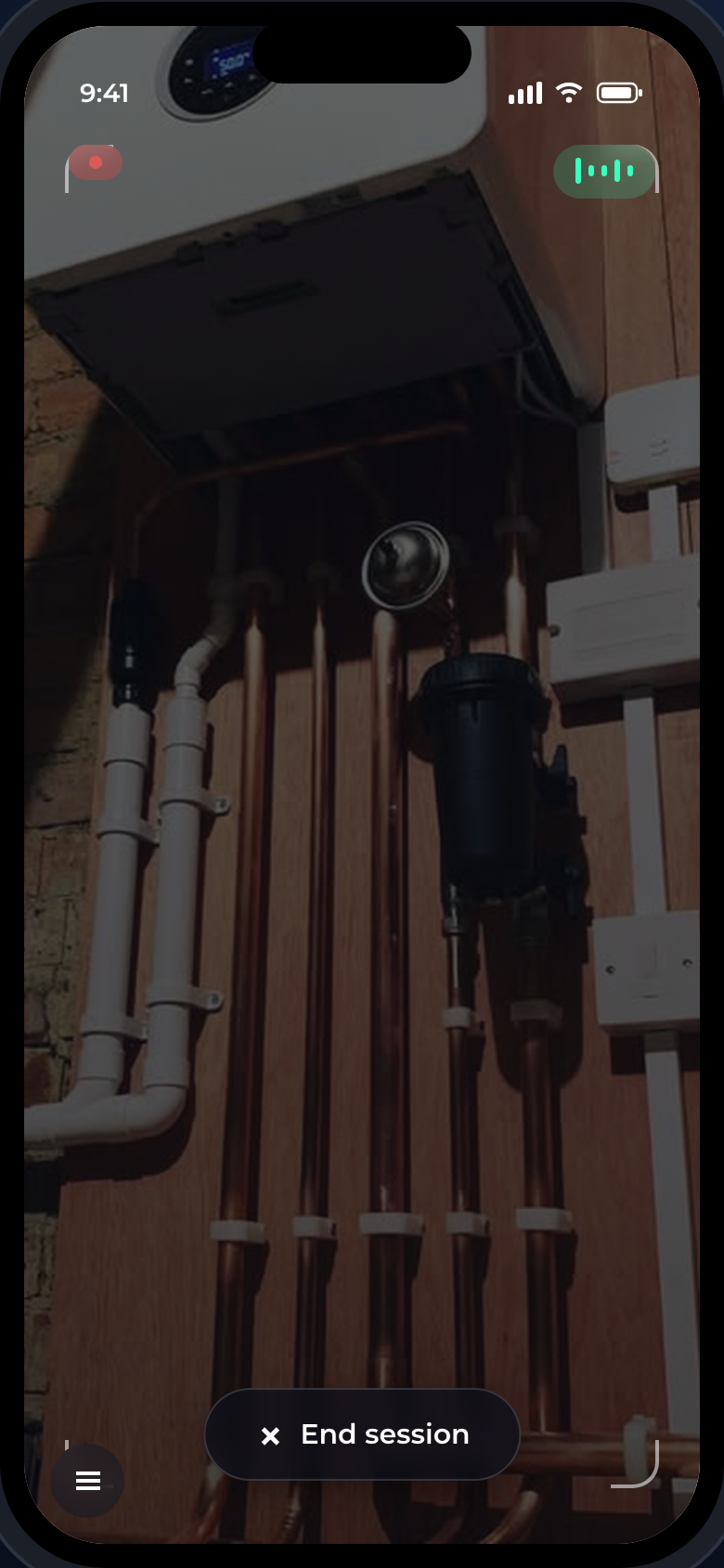
When you are done, tap End session. You get a summary - see Sessions and recordings.