
Connecting your glasses
Connecting glasses turns your phone into a hands-free rig: the glasses act as a POV camera, your phone stays in your pocket and does the work, and trainer sessions unlock.
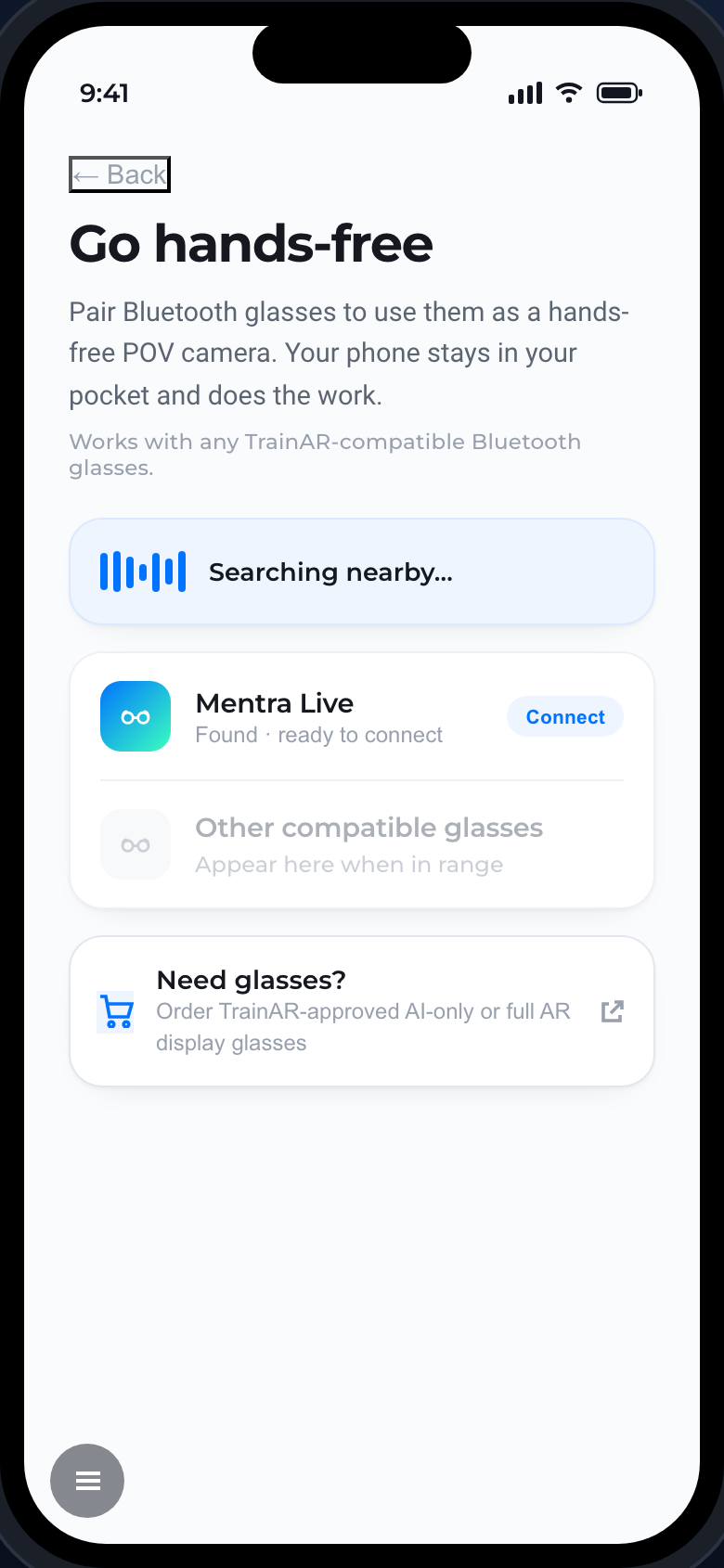
Bluetooth glasses (Mentra Live and compatible)
- On Home, tap Connect glasses (or the prompt on the start-session screen).
- The app searches nearby over Bluetooth.
- When your glasses appear - for example Mentra Live - tap Connect.
This works with any TrainAR-compatible Bluetooth glasses. These are AI-only glasses: they give the AI a hands-free view, with audio guidance through your phone or earpiece.
Full AR display glasses
TrainAR also supports full AR display glasses, which add a see-through visual overlay on top of the hands-free camera. Connect them the same way.
Need glasses?
You can order TrainAR-approved AI-only or full AR display glasses from the dashboard.
Note
On its own the phone runs trainee sessions. Trainer sessions (recording an expert procedure) need glasses connected, because they rely on the hands-free POV camera.