
Sessions report
The Sessions tab of Dashboard → Reports is where you understand session activity across your account - how the trainer/trainee mix breaks down, which days are b…
The Sessions tab of Dashboard → Reports is where you understand session activity across your account - how the trainer/trainee mix breaks down, which days are busy, what session durations look like.
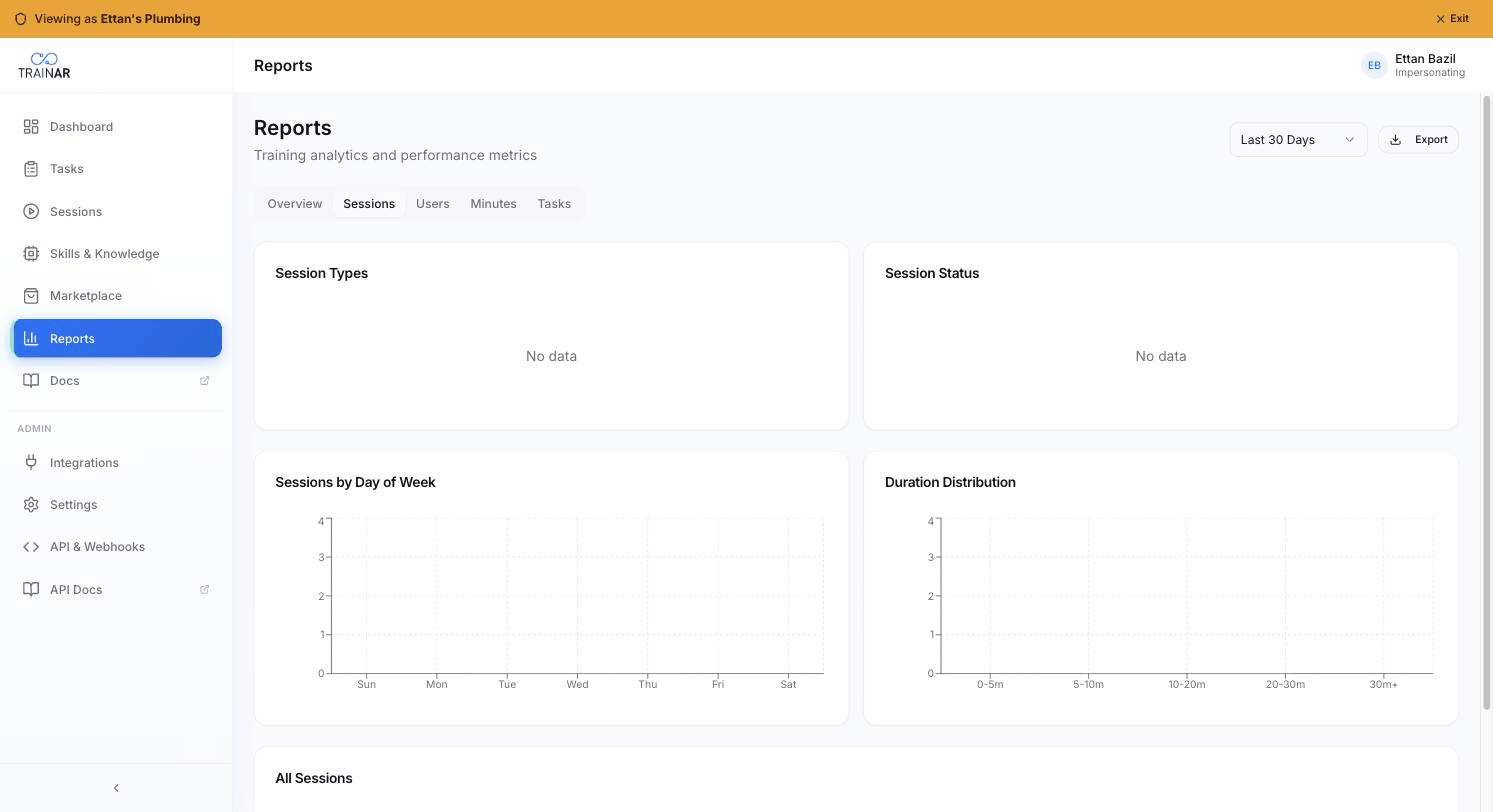
What the tab shows
Session Types - pie
Trainer-mode vs trainee-mode session count across the selected period.
Interpretation:
- Heavily trainer - you're early in deployment, capturing know-how
- Heavily trainee - your library is being consumed; juniors are running procedures
- Mostly missing trainee - you've captured but adoption hasn't happened; investigate
Session Status - pie
Session-completion outcomes - typically Completed / In Progress / Failed (the same statuses you see on the Sessions list page).
A high Failed slice is worth investigating per-session via Dashboard → Sessions → status filter = Failed.
Sessions by Day of Week - bar chart
Count of sessions on each weekday across the selected period. Reveals natural rhythm (e.g. heavy Monday/Tuesday, low Friday) and lets you spot anomalous days.
Duration Distribution - chart
How session lengths cluster. Helps you spot:
- A long tail of multi-hour sessions (engineers leaving glasses recording)
- A pile of very short sessions (test sessions, abandoned starts)
How this differs from the Overview tab
The Overview tab gives you the single most useful KPIs (total count, avg duration, success rate, active users) and a session-trend line chart over time. The Sessions tab drills into the shape of session activity (when, how long, completed vs not).
What's NOT here
- No per-engineer breakdown (that's in the Users tab)
- No procedure breakdown
- No skill-call telemetry
- No filter by mode or engineer (the page-level period selector applies to all five tabs uniformly)
Where to next
- Reports overview - KPIs + session-trend line chart
- Users report - per-user activity
- Minutes report - what session time is costing in minutes