
The TrainAR app
TrainAR runs in two ways, and the app detects your hardware automatically - you never pick "phone or glasses".
Two ways to run TrainAR
- The mobile app - runs on your phone. Do trainee sessions on the phone alone, and optionally connect Bluetooth glasses (Mentra Live and compatible) as a hands-free POV camera. The phone is the hub.
- Full AR glasses - the TrainAR app runs natively on AR glasses (INMO Air 3 / Vuzix). You pair and run sessions directly from the glasses, with the AR overlay on the lens. No phone needed.
Both bind to the same seat in your account and give the same AI-guided sessions, skills, exploded parts diagrams, and manuals. See Install and pair for both setup flows.
What you can do today
- Start trainee and trainer sessions
- The in-session AI assistant - it sees what you see and answers as you work
- All your skills, exploded parts diagrams, and manuals
- Recordings and session summaries
Note
Coming soon: managing tasks and full account settings inside the app. Your tasks already appear in the app - they sync from the dashboard - you just create and assign them in the dashboard for now.
Getting around
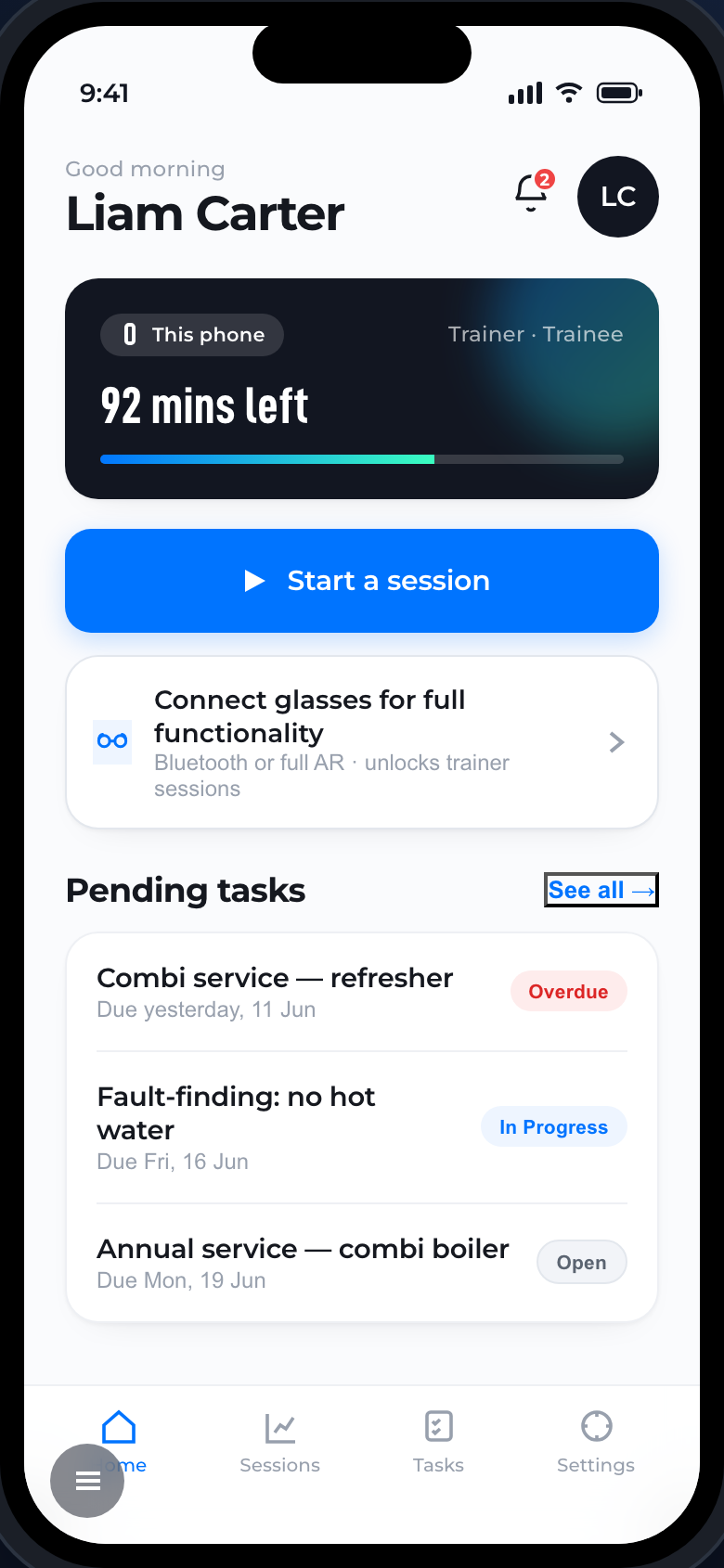
The bottom bar has Home, Sessions, Tasks, and Settings. Home shows your device, how many minutes you have left, a big Start a session button, and your pending tasks.