
The AI assistant and voice commands
Every session runs with the TrainAR AI assistant. It sees what your camera sees and hears what you say, so you can work completely hands-free.
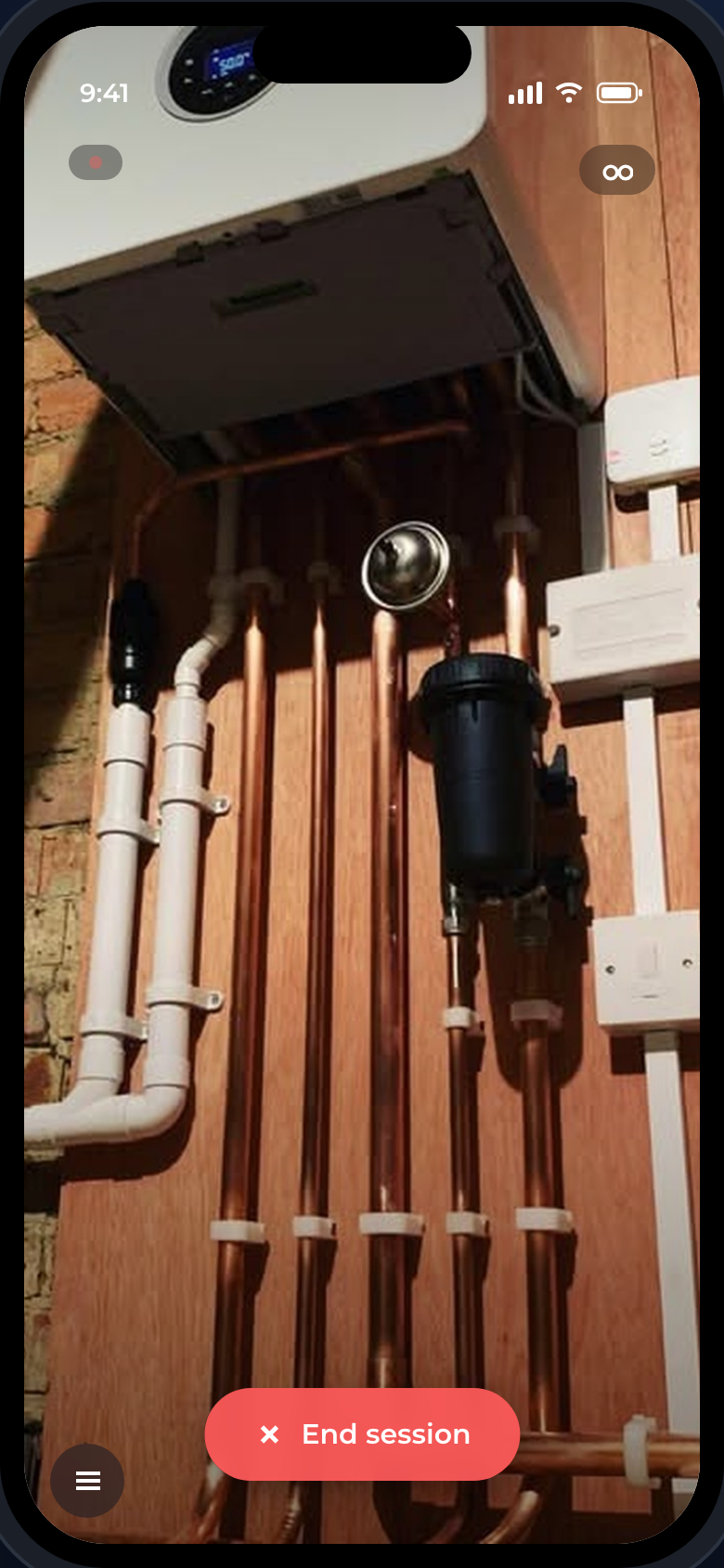
What it does
- Guides you through the procedure step by step
- Answers questions about the job, the appliance, or the parts in front of you
- Pulls up parts diagrams and manuals on request
- Uses your skills - the procedures and knowledge set up for your account
Talking to it
Just speak naturally - ask a question or tell it what you are doing and it responds. Common spoken commands:
| Say | What happens |
|---|---|
| "Next step" / "Go back" | Move through the procedure |
| "Show me the diagram" | Open the exploded parts diagram |
| "Open the manual" | Show the relevant manual |
| "What is this part?" | Identify the part in view |
| "End session" | Finish and save the session |
Tip
With glasses connected you never need to touch the phone - the camera, the assistant, and the diagrams all work by voice.