
Knowledge overview
Knowledge is your account's library of documents - manuals, procedures, specifications, internal wikis - that the on-glasses AI can search inside a live trainin…
Knowledge is your account's library of documents - manuals, procedures, specifications, internal wikis - that the on-glasses AI can search inside a live training session.
What knowledge is
A knowledge document is a file you've uploaded to your account. After upload, TrainAR processes it (extracts text, chunks it, generates embeddings) so the AI can semantically search inside it during a session. When an engineer asks a question, the AI calls the built-in search_knowledge skill to find relevant chunks and answers based on what it finds.
What knowledge is NOT
- Knowledge isn't skills. Skills are actions the AI takes (call a webhook, return a result). Knowledge is content the AI reads. The AI uses a skill (
search_knowledge) to access knowledge - but knowledge itself is just text + image content. - Knowledge isn't bundled MCP tools. MCP Tools come from third-party MCP servers you've connected. They're callable tools, not documents.
- Knowledge isn't recordings. Session recordings are stored under Sessions, not Knowledge - they're operational records, not reference material. See Sessions overview.
Where you manage knowledge
Dashboard → Skills & Knowledge → Knowledge tab.
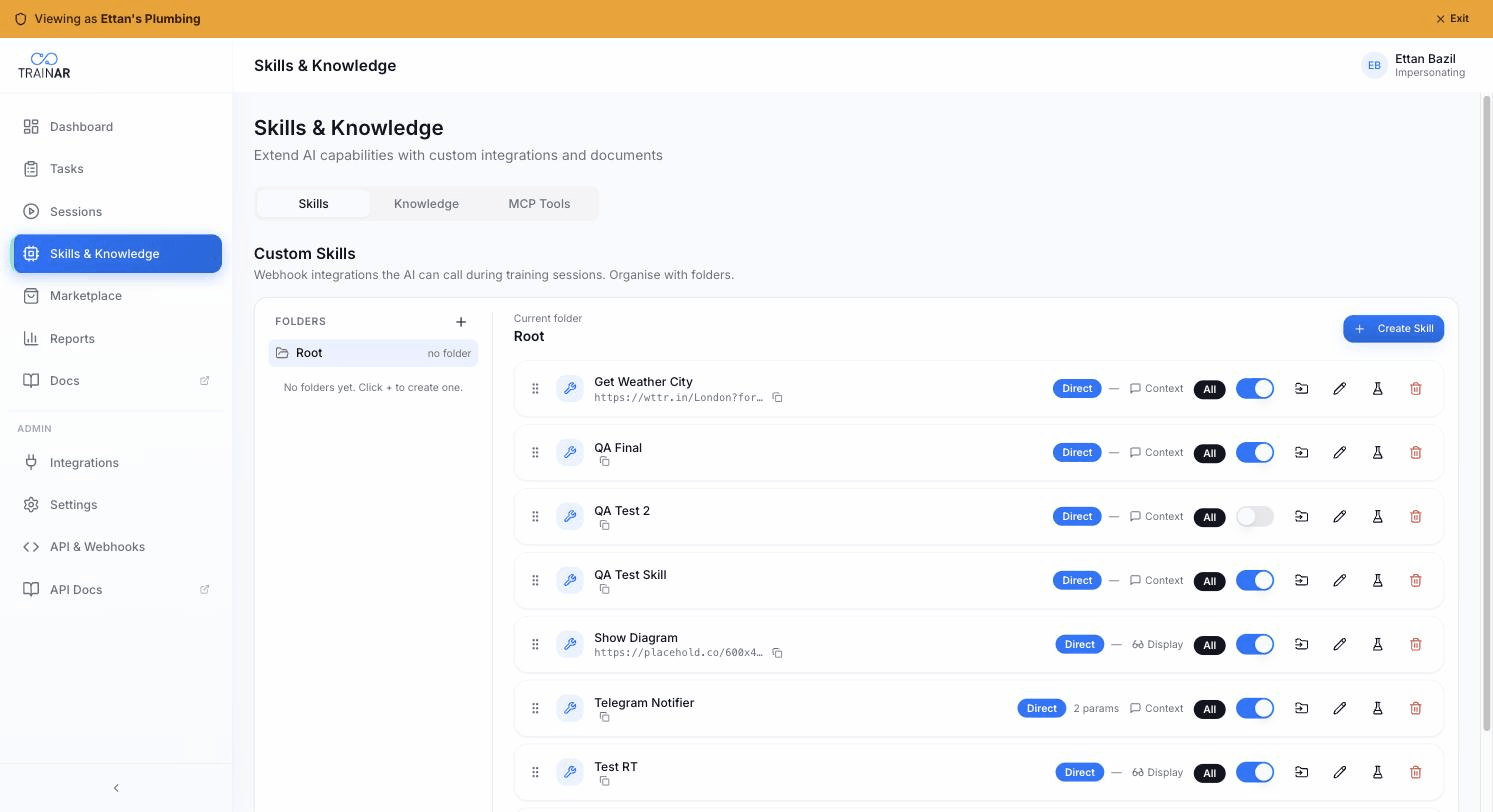
The Knowledge tab uses a folder-and-topic explorer:
- Folders on the left - organisational structure you define for navigation
- Topics + documents in the main area for the selected folder
You can:
- Upload new documents - see Uploading knowledge
- Create topics to group related documents - see Knowledge topics
- Re-process a document if its processing status is wrong
- Delete a document permanently (also removes its chunks + embeddings)
How a session uses knowledge
When a session starts, the AI receives a manifest of all knowledge available to that seat. The manifest lists each document's name, its topic (if any), and a short auto-generated summary.
When the engineer asks a question, the AI:
- Decides whether to call
search_knowledgebased on the manifest signals - If yes, sends the engineer's question to the vector search
- Gets back the top chunks ranked by semantic similarity
- Synthesises a spoken response, quoting or paraphrasing the relevant content
For the full walkthrough, see How the AI uses knowledge.
Where to next
- Uploading knowledge - formats, sizes, processing
- Knowledge topics - group documents for better retrieval
- How the AI uses knowledge - manifest + vector search
- Knowledge processing pipeline - what happens under the hood